
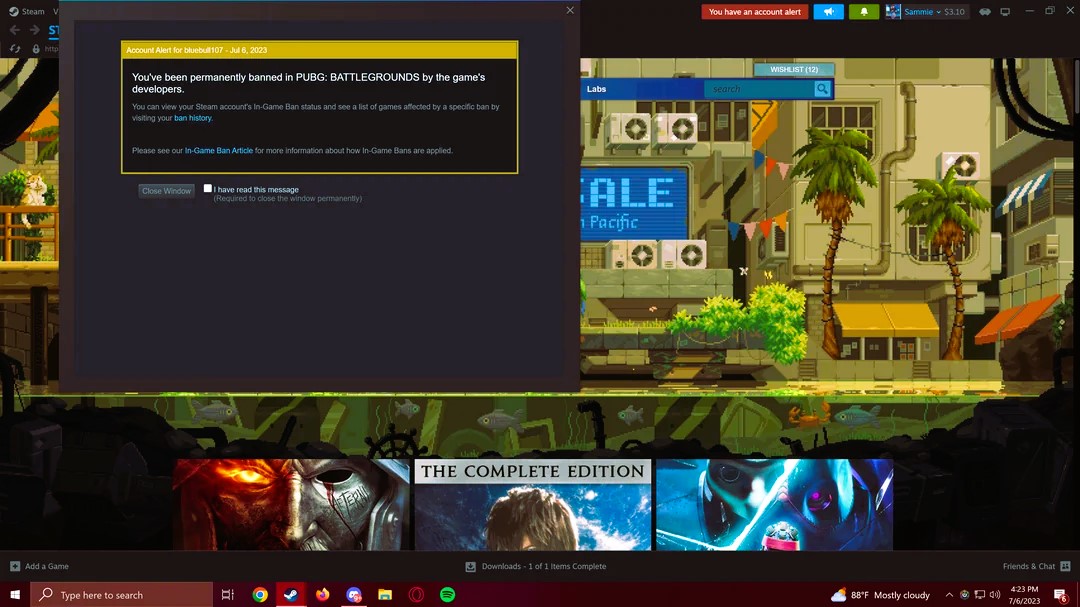
Being banned from a game can be a frustrating experience. Whether due to a violation, a misunderstanding, or a technical error, recovering from a game ban is possible. This guide will walk you through the steps to take when you find yourself banned from a game and how to avoid future issues.
Before you attempt to recover from a ban, it’s essential to understand why it happened. Common reasons for bans include:
Understanding the reason for the ban is the first step toward resolving the issue.
Most games will send a notification explaining the ban, including its duration and the reason. If the ban is temporary, you may just need to wait. However, for permanent bans, you may have an opportunity to appeal.
Review the game’s terms and conditions to understand the rules that were violated. Look for:
Knowing the rules will help you assess if the ban was justified and guide you in your appeal.
If you feel the ban was issued in error, submit an appeal. Here’s how to do it effectively:
Submit your appeal through the game’s support system and wait for a response.
Response times can vary, so be patient. Do not attempt to bypass the ban by creating a new account or using a VPN, as this could lead to further penalties.
If your appeal is unsuccessful, you may need to create a new account. However, ensure that you:
Starting fresh can help you avoid repeating past mistakes. Read about the Top 10 most popular cheats for GTA Online in our article.
To avoid future bans, follow these guidelines:
By following the game’s guidelines and fostering a positive environment, you can avoid further bans.
Recovering from a game ban requires understanding the reason for the ban, following the appeal process, and committing to follow the game’s rules in the future. If the ban is permanent, learning from the experience and ensuring you play fairly will help you avoid similar issues down the line.
For more information on game bans, visit Wikipedia’s article on Gaming Bans.